
Add your accommodation. Create your guide. Welcome guests.
Guided setup takes you from the essential details to a guide you can share with guests.
How it works
-
1. Introduce your accommodation.
Enter its name and type, then add the location, setting and amenities. Build the foundation for the information your guests need.
-
2. Prepare the content and languages.
Add your welcome, arrival details, stay information, departure instructions and recommendations. Use AI assistance for writing and translation, then review the information before publishing.
-
3. Choose the appearance and check the preview.
Add a cover photograph, an optional logo and your chosen appearance. Review the text, images and links in the preview.
-
4. Publish and share.
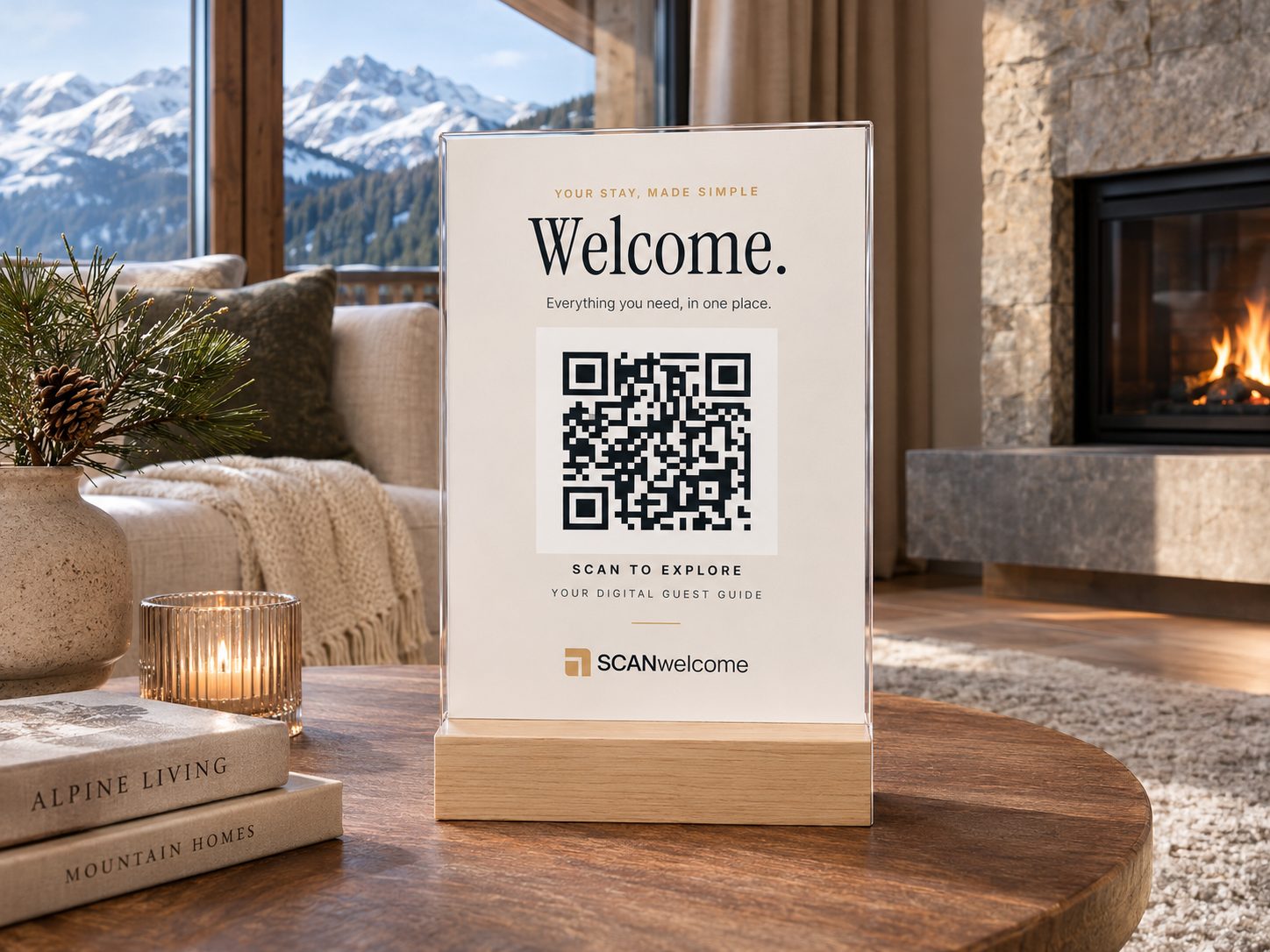
Once the publication requirements are met, publish the guide. Send the link before arrival and place the QR code somewhere convenient in your accommodation.
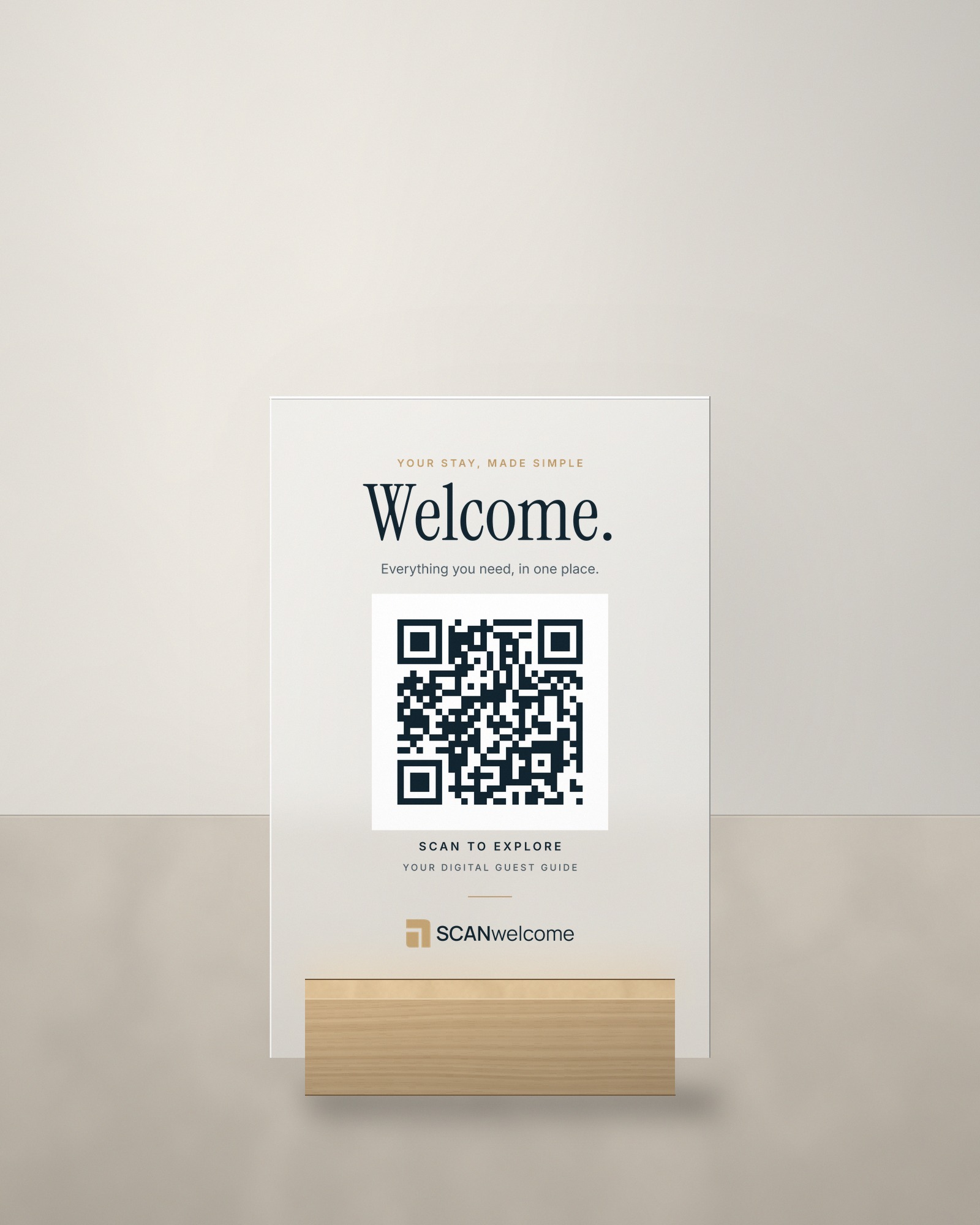
Place your QR code in the accommodation.
Use the designed template to give guests a recognisable way to open their guide.
-
Download your QR code
Select the accommodation in your dashboard and download its QR code.
-
Personalise the template
Download the PDF or SVG template and replace its sample QR code with your own. Edit it yourself or send both files to your printer.
-
Check and print
Keep the code's proportions and the clear white margin around it. Check that it opens the correct guide before printing, then choose your print and a suitable stand.
Download the PDF and SVG templates and your property's QR code in the app after signing in.
Open your accommodation's QR codeInformation changes. Access stays the same.
When you edit and publish information, guests reach it through the existing link. Content updates do not require a new printed QR code.